The perfect thumbnail, one edit at a time.
Generate with Nano Banana, fix it in one sentence, check it in the YouTube feed, get an AI critique. The open-source studio that runs in your browser, with your own key.
- Free & open source
- No sign-up with us
- Your images stay with you
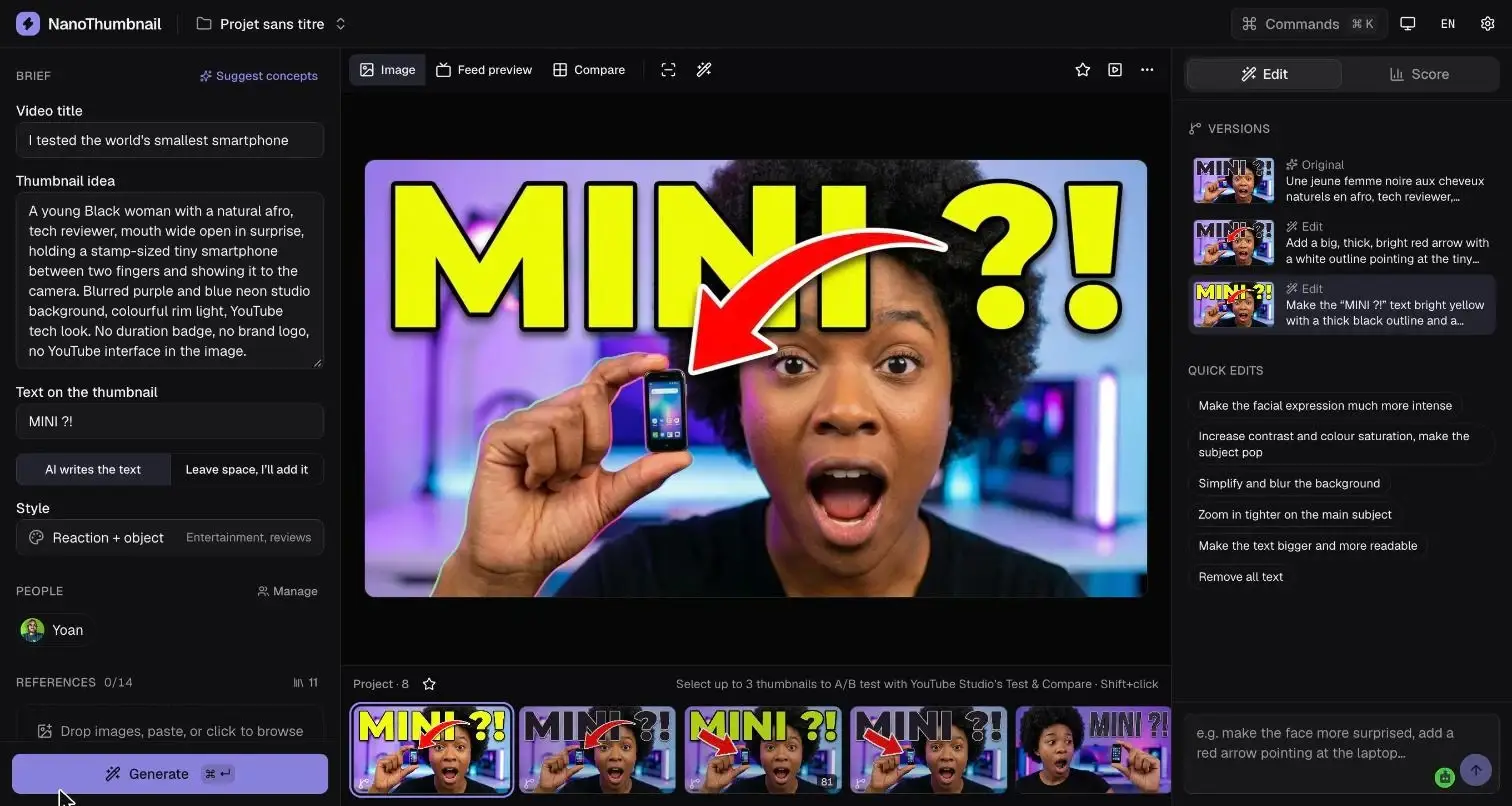
The studio
A thumbnail’s whole lifecycle, on one screen
Brief on the left, image in the middle, iteration on the right. Every version is kept in the project filmstrip.
Gallery
A style for every niche
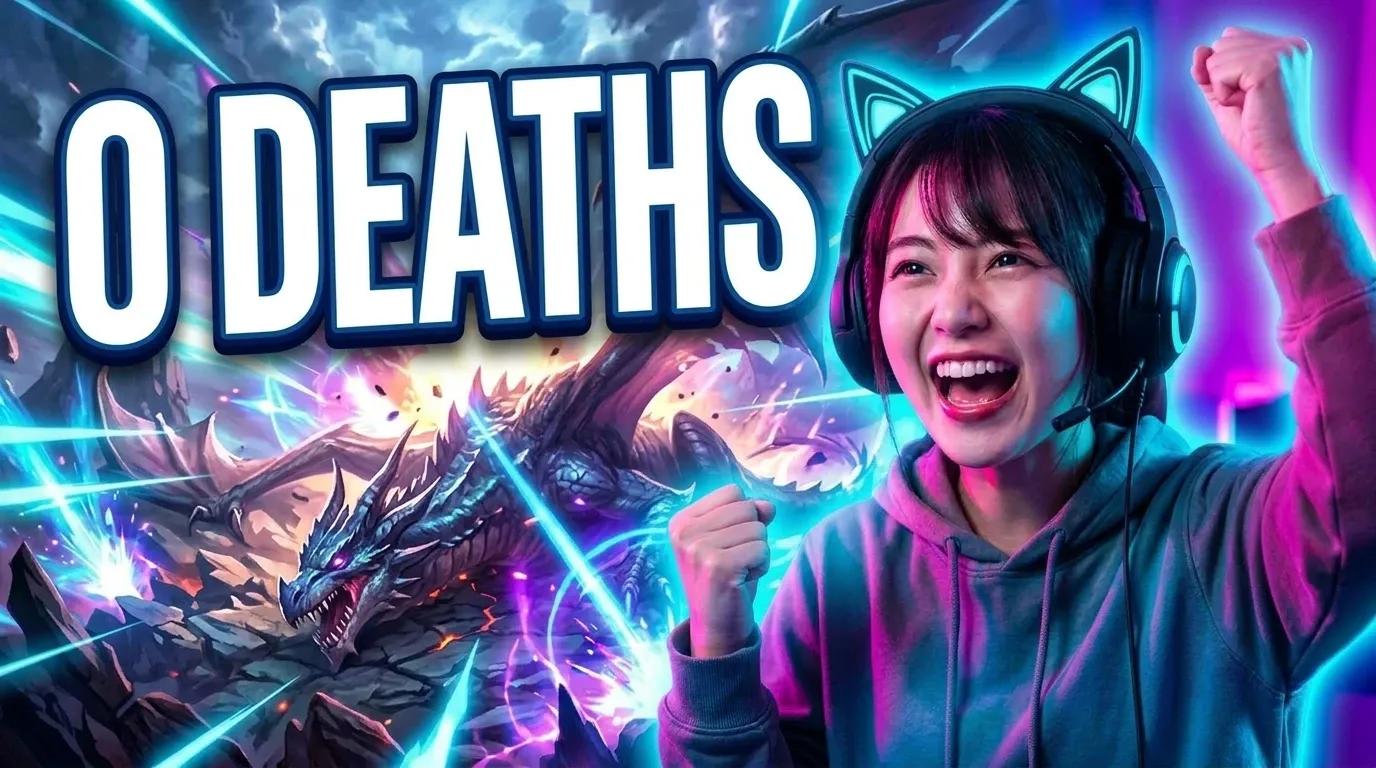
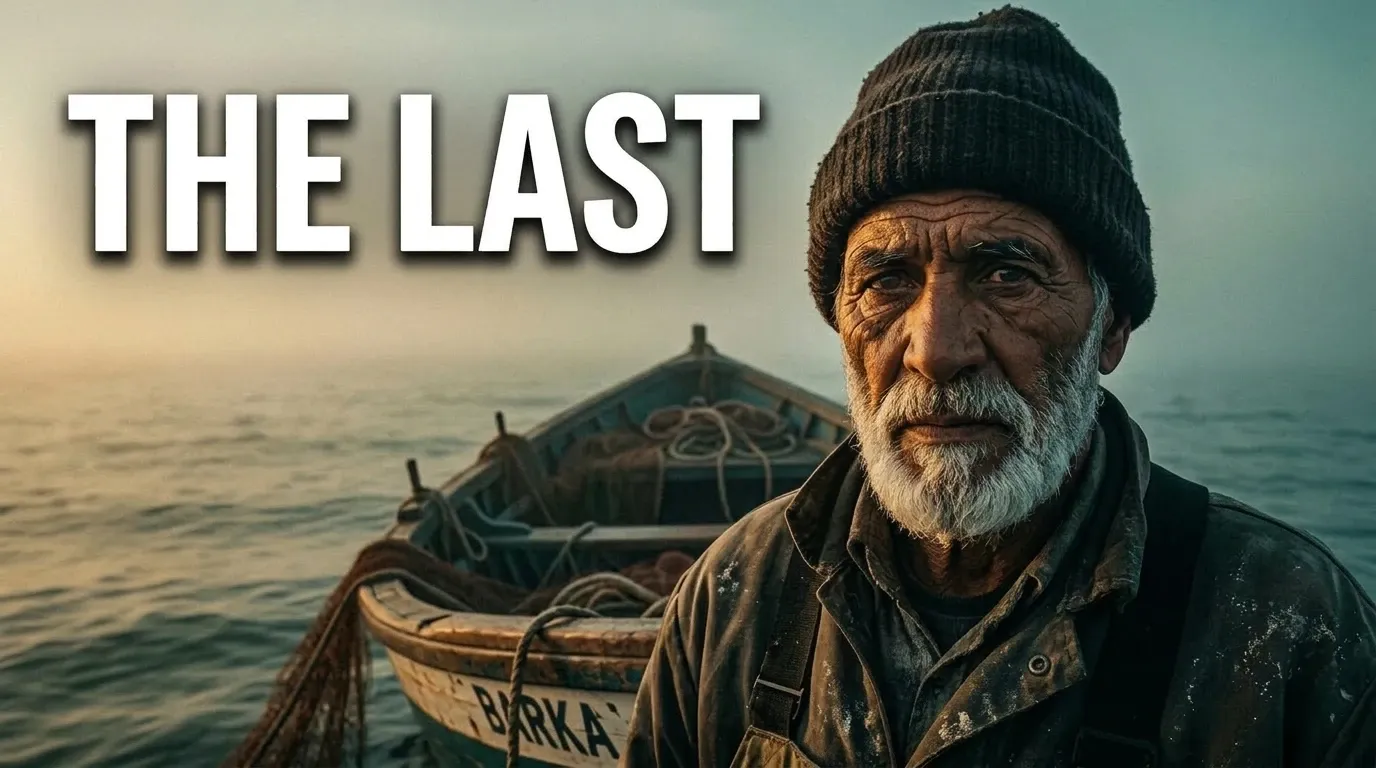
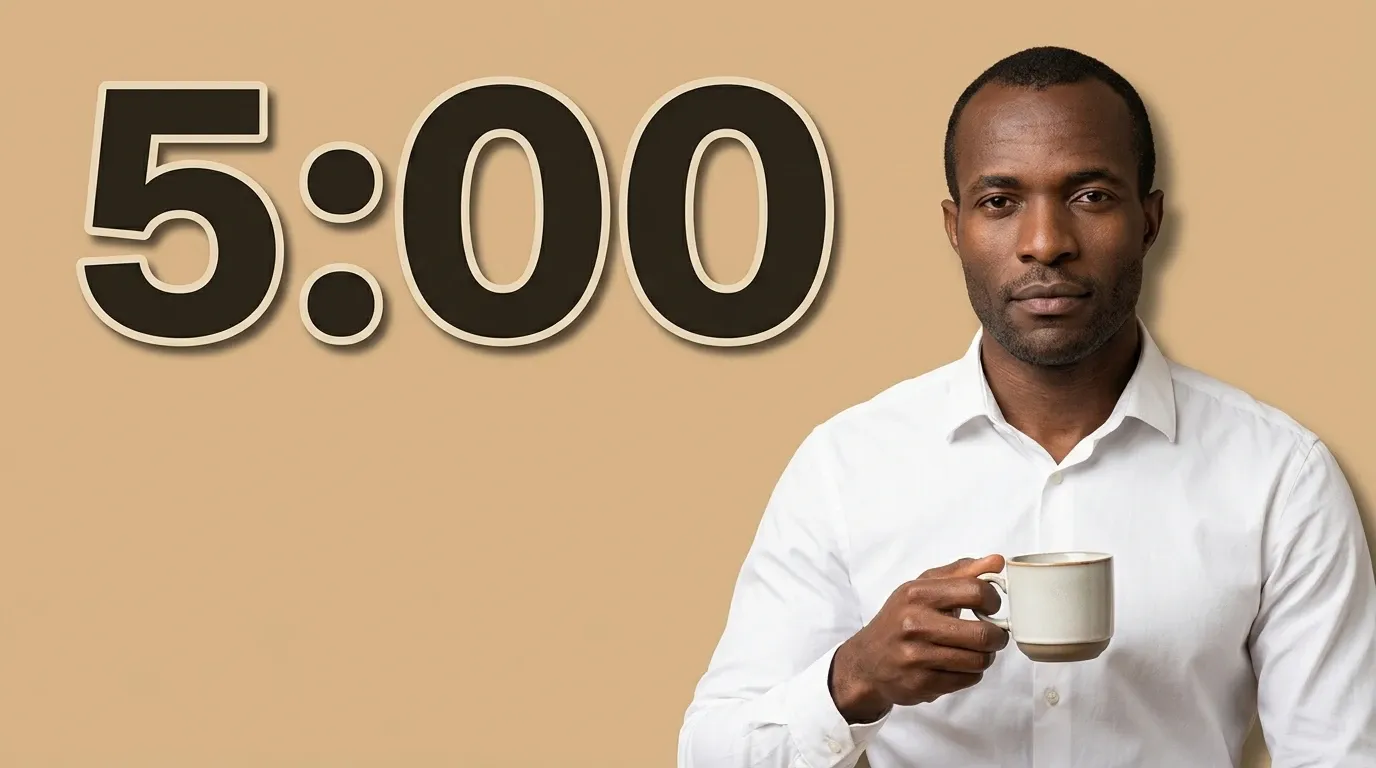
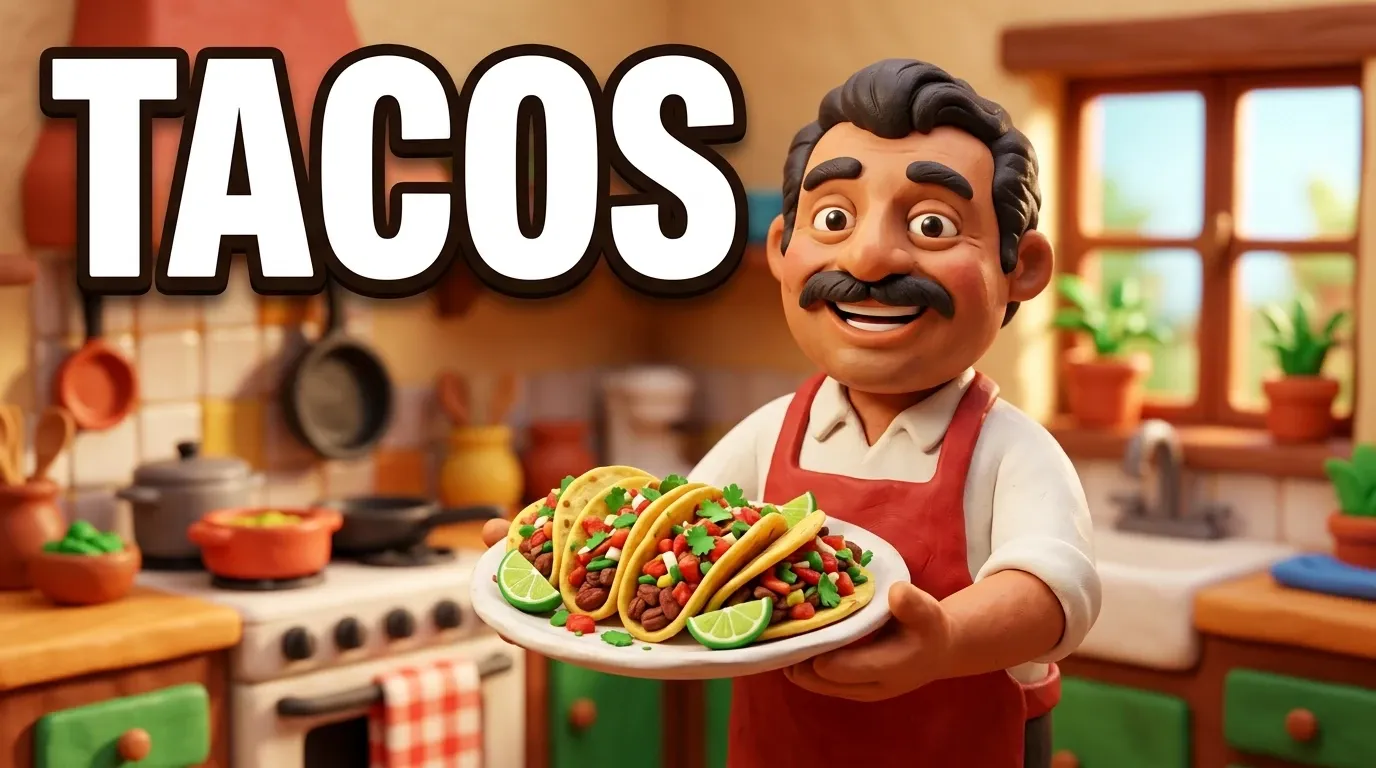
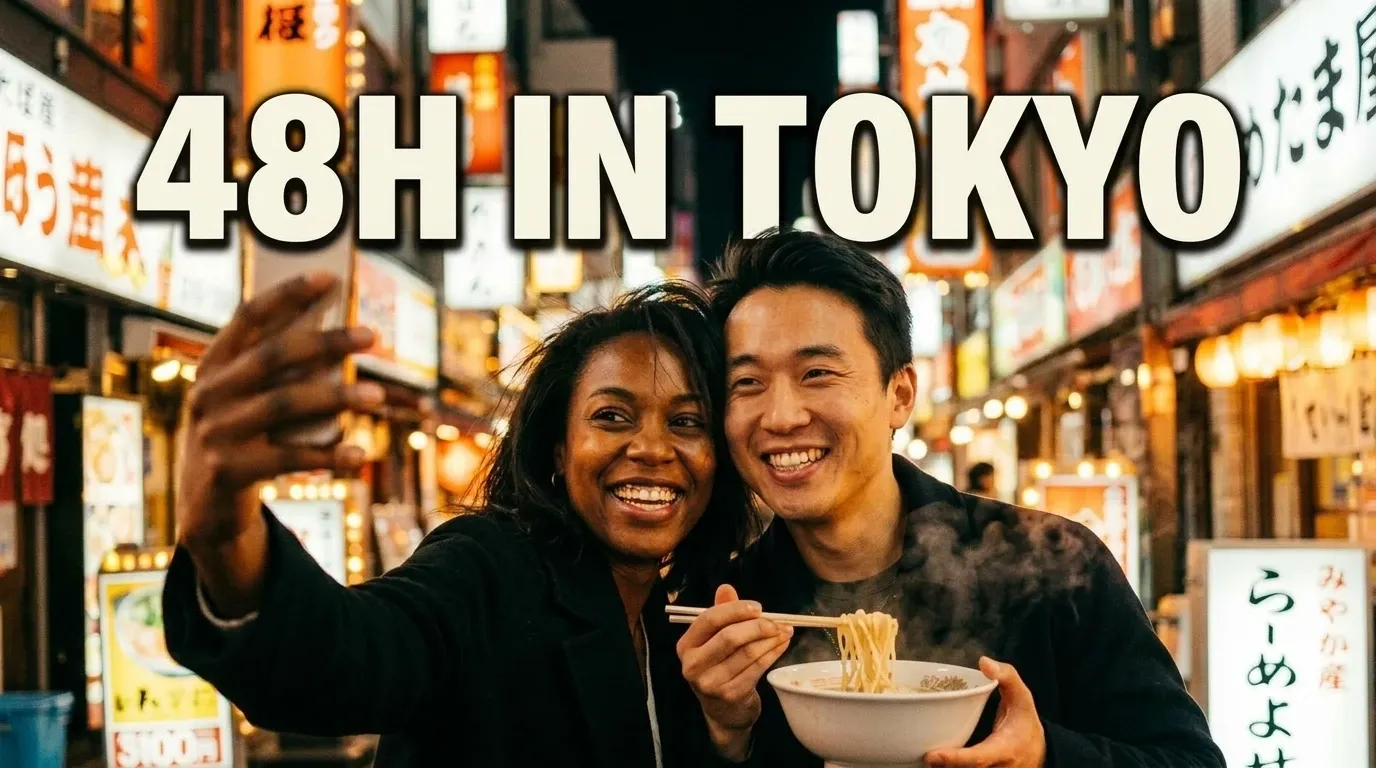
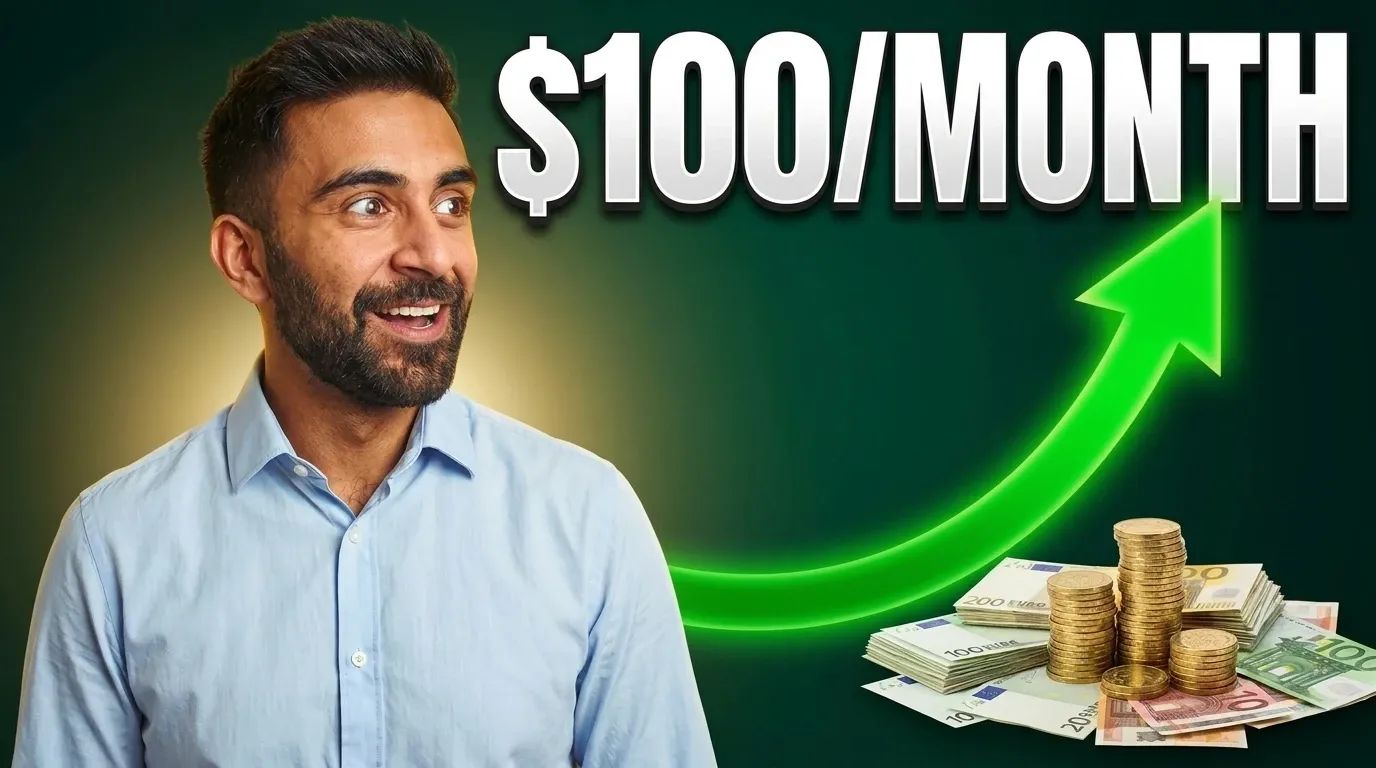
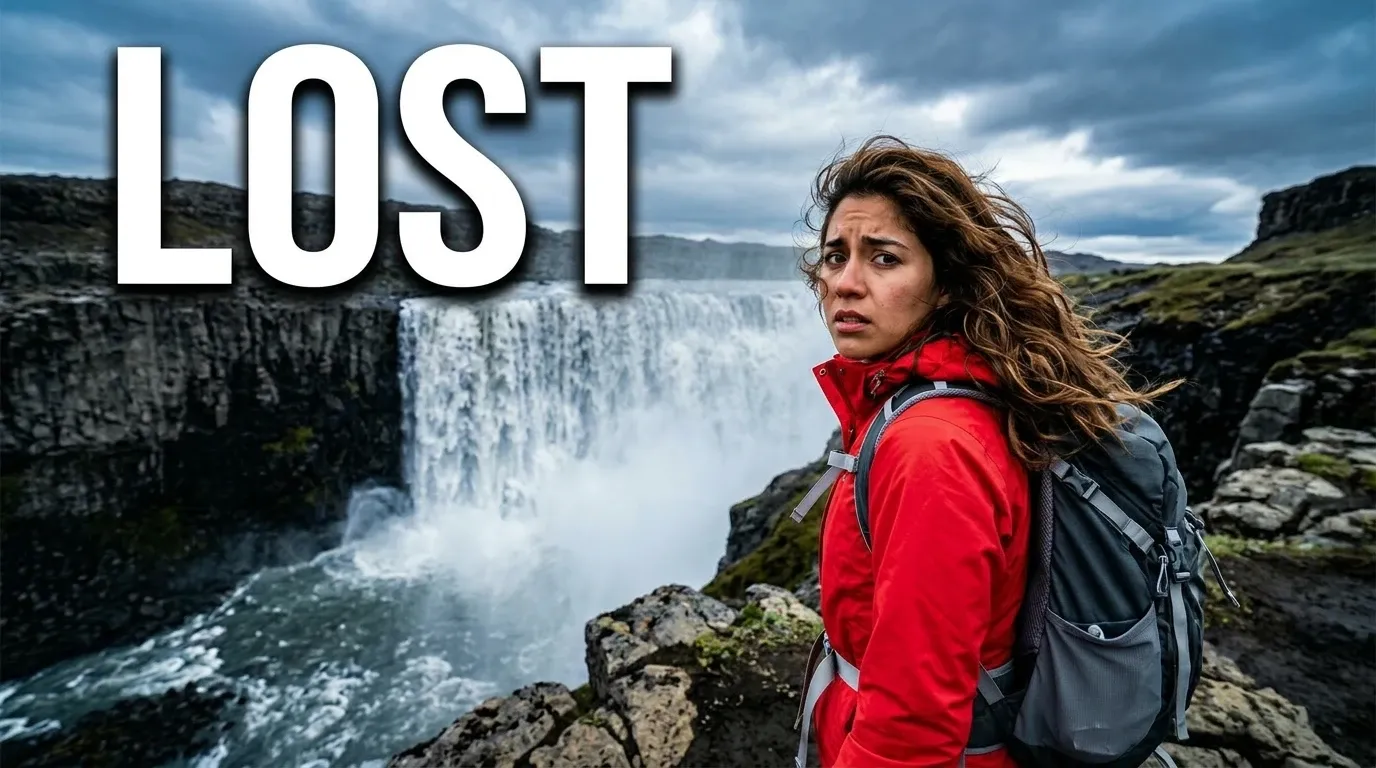
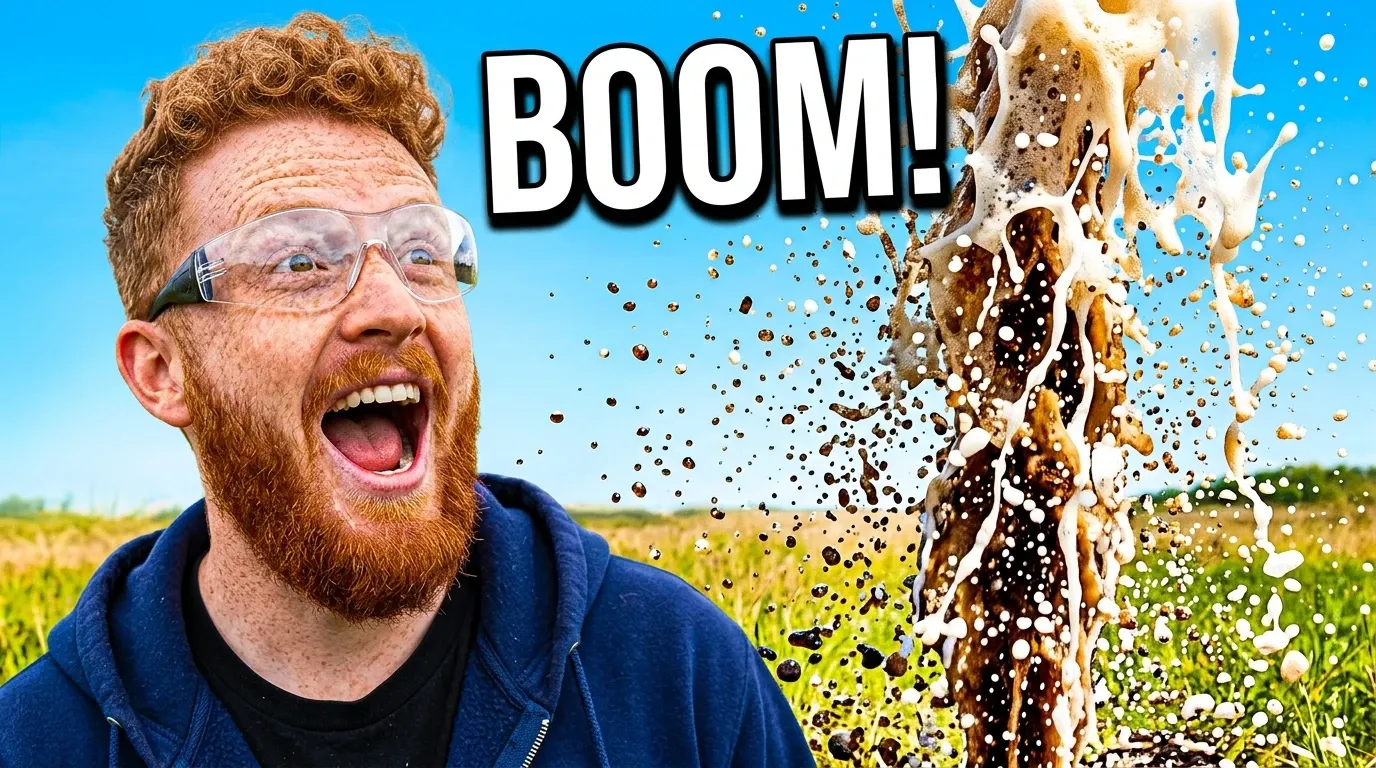
Every one of these thumbnails was generated in NanoThumbnail from a few-line brief, using one of the 14 ready-made styles, sometimes followed by an edit or two.
Cinematic documentary
The island’s last fisherman
Gaming
I beat the game without dying once
Reaction + object
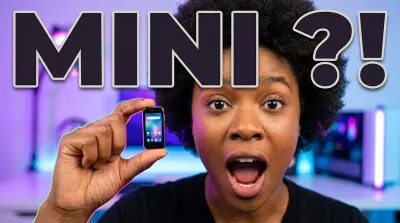
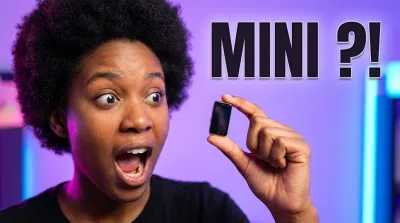
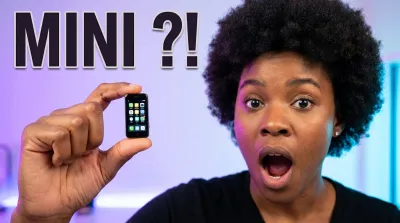
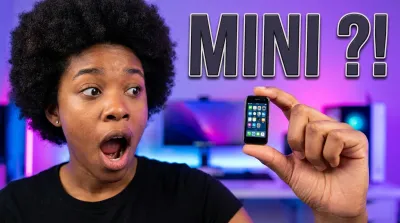
I tested the world’s smallest smartphone
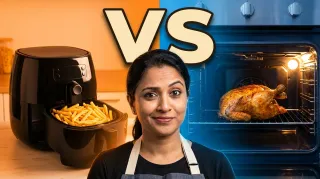
Versus
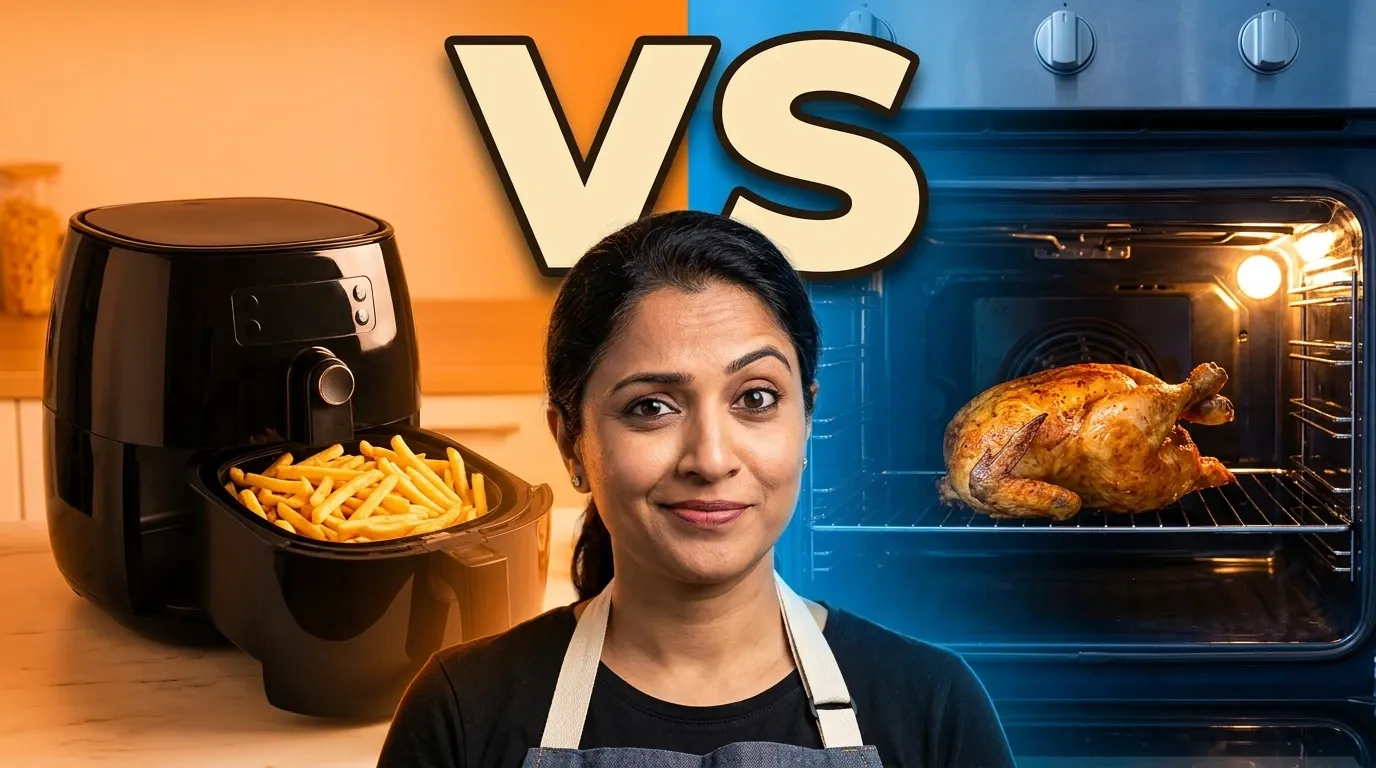
Air fryer vs oven: which one actually wins?
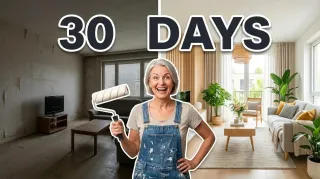
Before / after
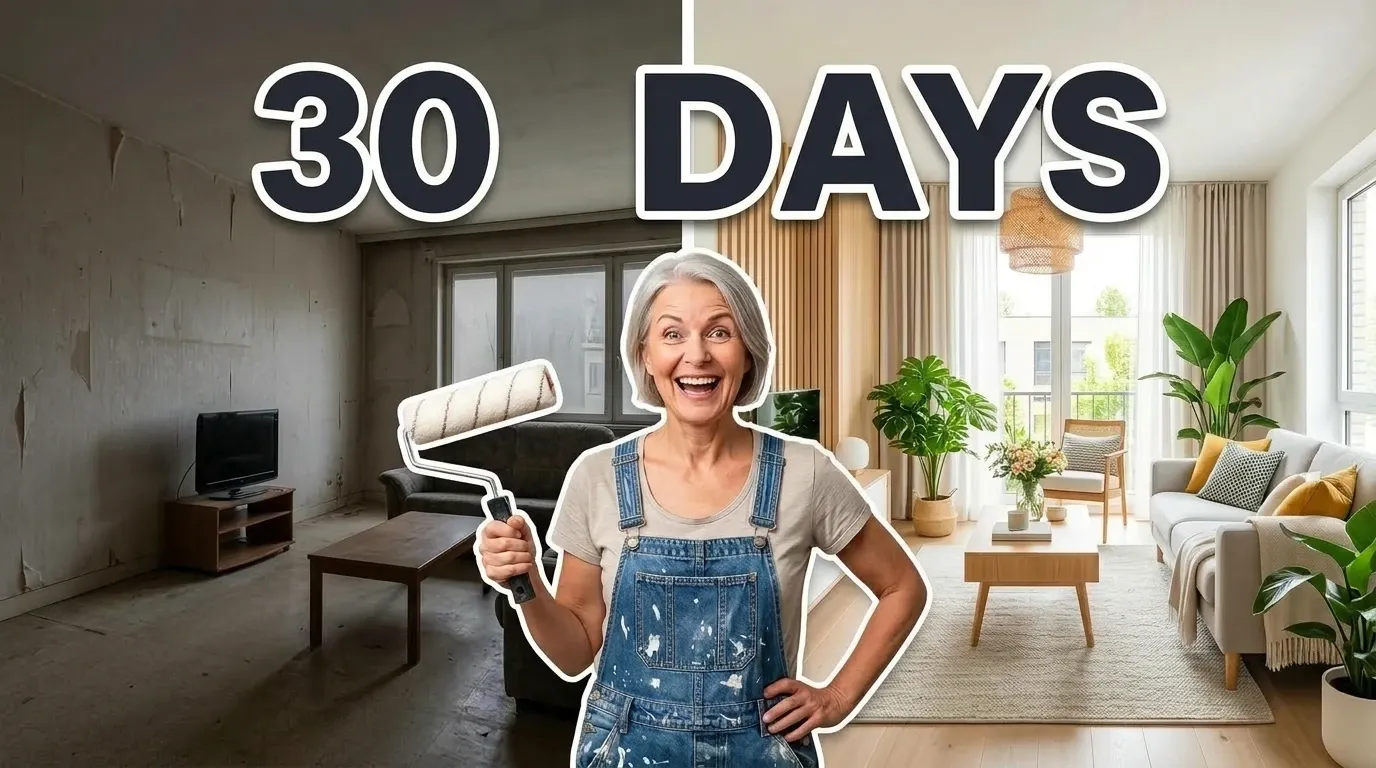
I renovated my living room for $3,000
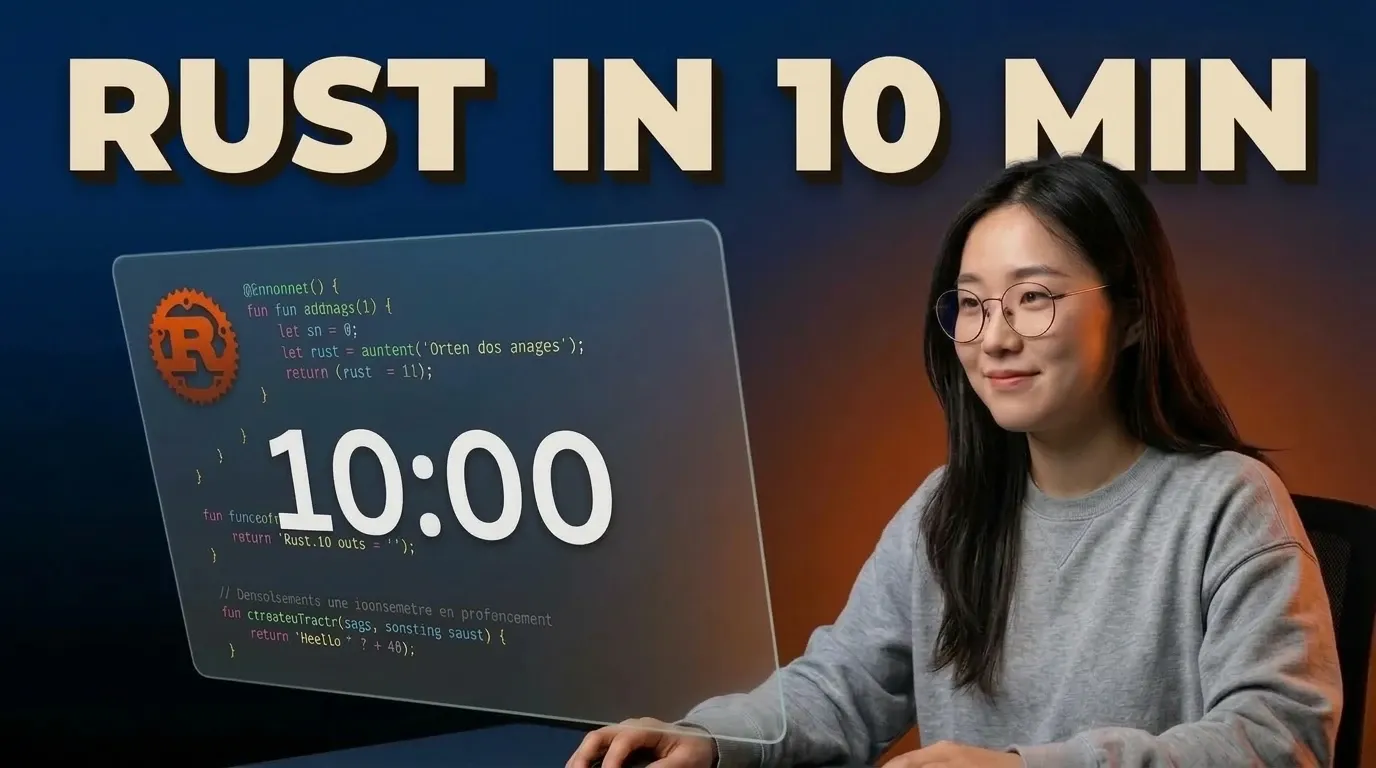
Tech tutorial
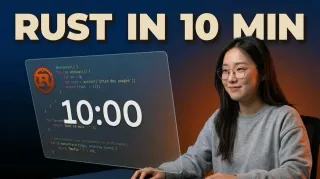
Learn Rust in 10 minutes
Minimal bold
I’ve woken up at 5 a.m. for a year
Story moment
Lost alone in Iceland for 3 days
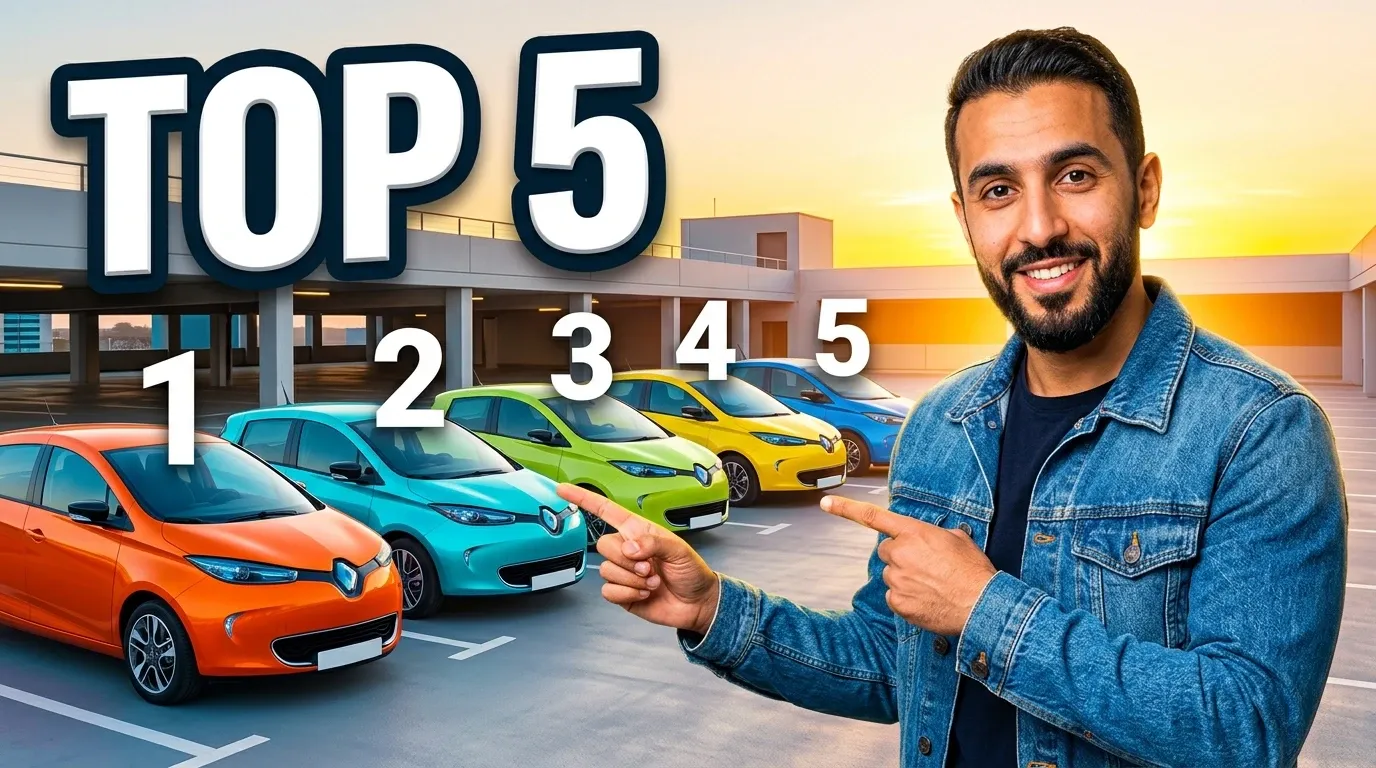
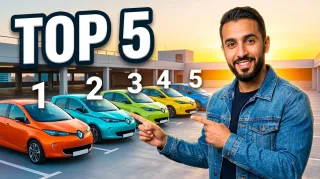
List / ranking
Top 5 electric cars under $30k
Money / finance
Investing $100 a month for 20 years
Vlog / travel
48 hours in Tokyo on $200
Hyper-saturated
The biggest soda geyser ever made
3D / clay
Homemade tacos: the real recipe
Podcast / interview
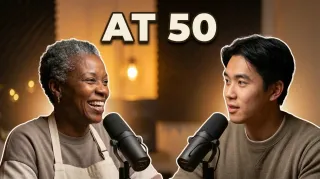
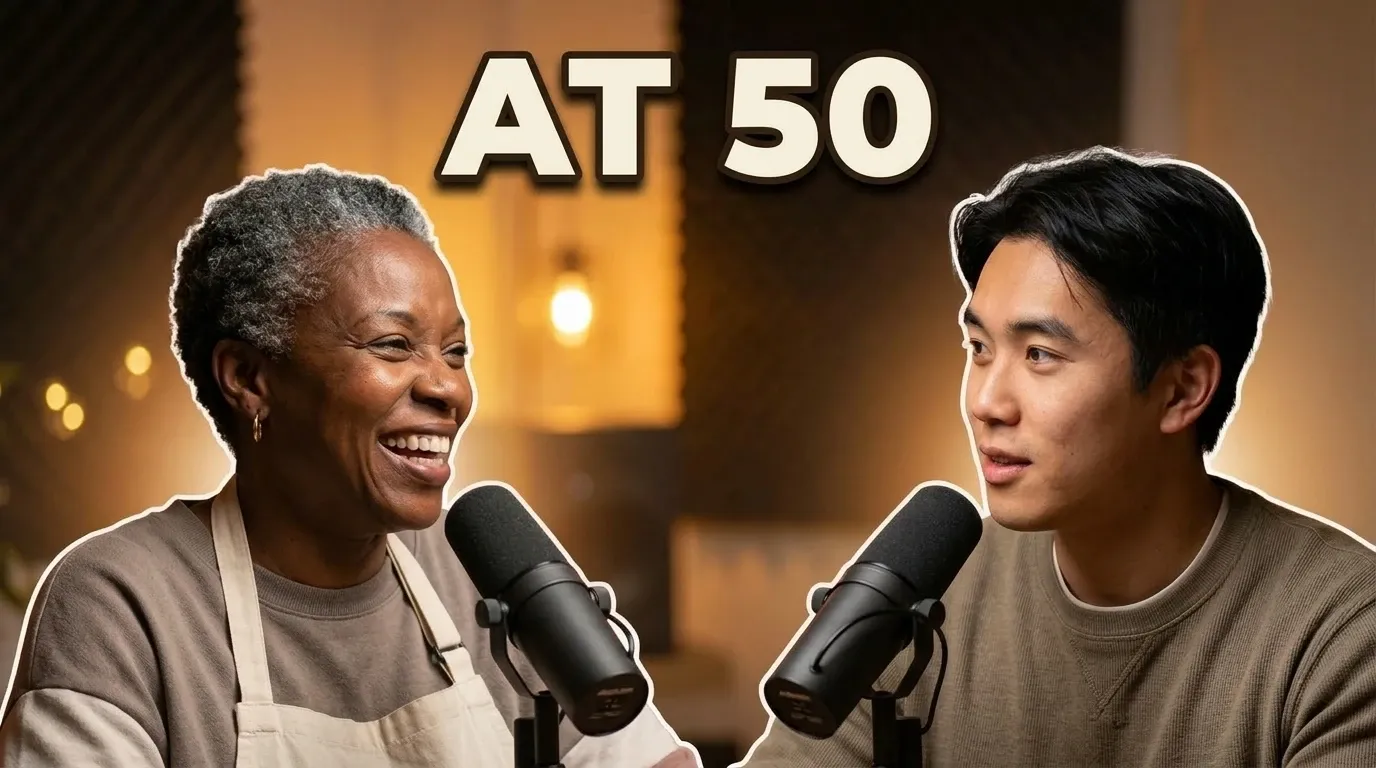
She quit everything at 50 to open a bakery
Need a version in another language? One edit does it: “Replace the text with…”
Conversational edits
Stop re-rolling. Start editing.
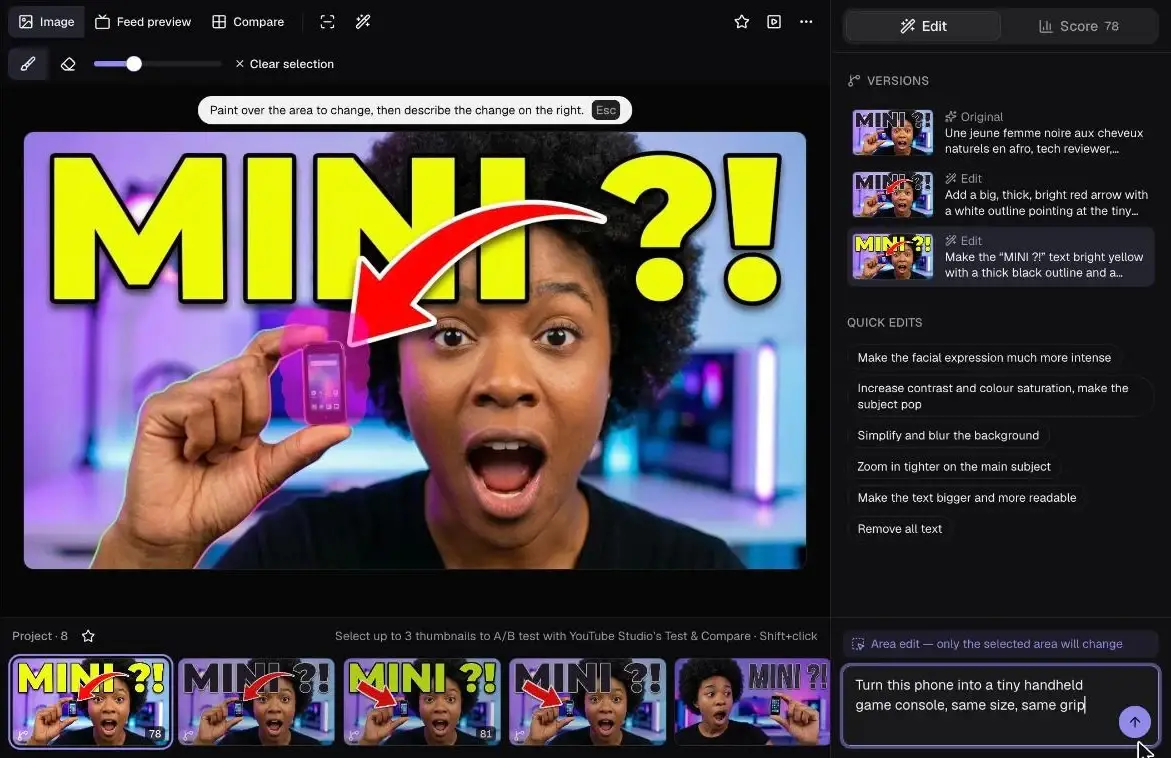
Describe what’s wrong in one sentence. The face, lighting and composition stay the same — only what you ask for changes.
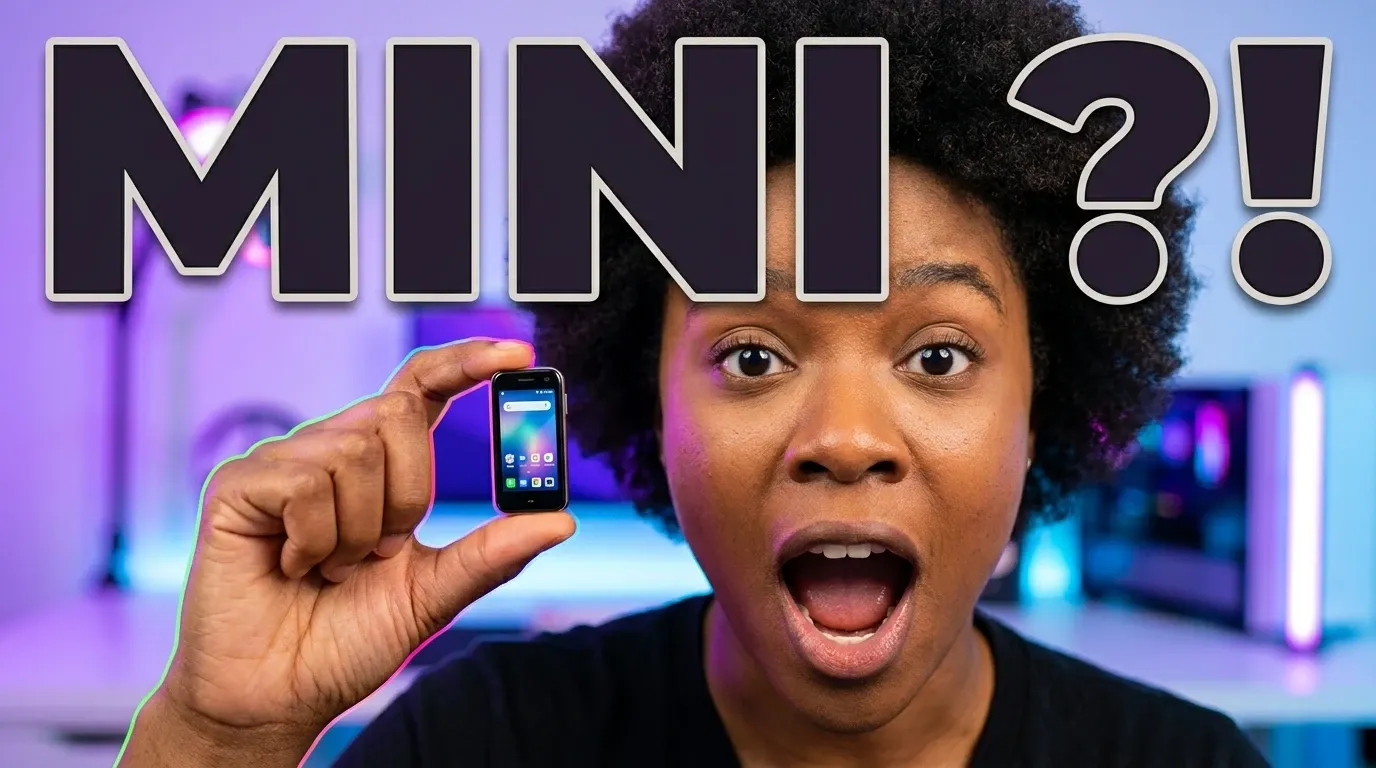
- 1
Generation
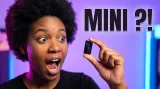
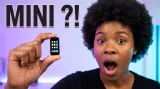
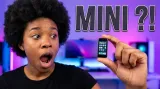
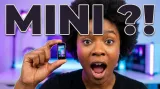
“Reaction + object” style, text “MINI ?!”
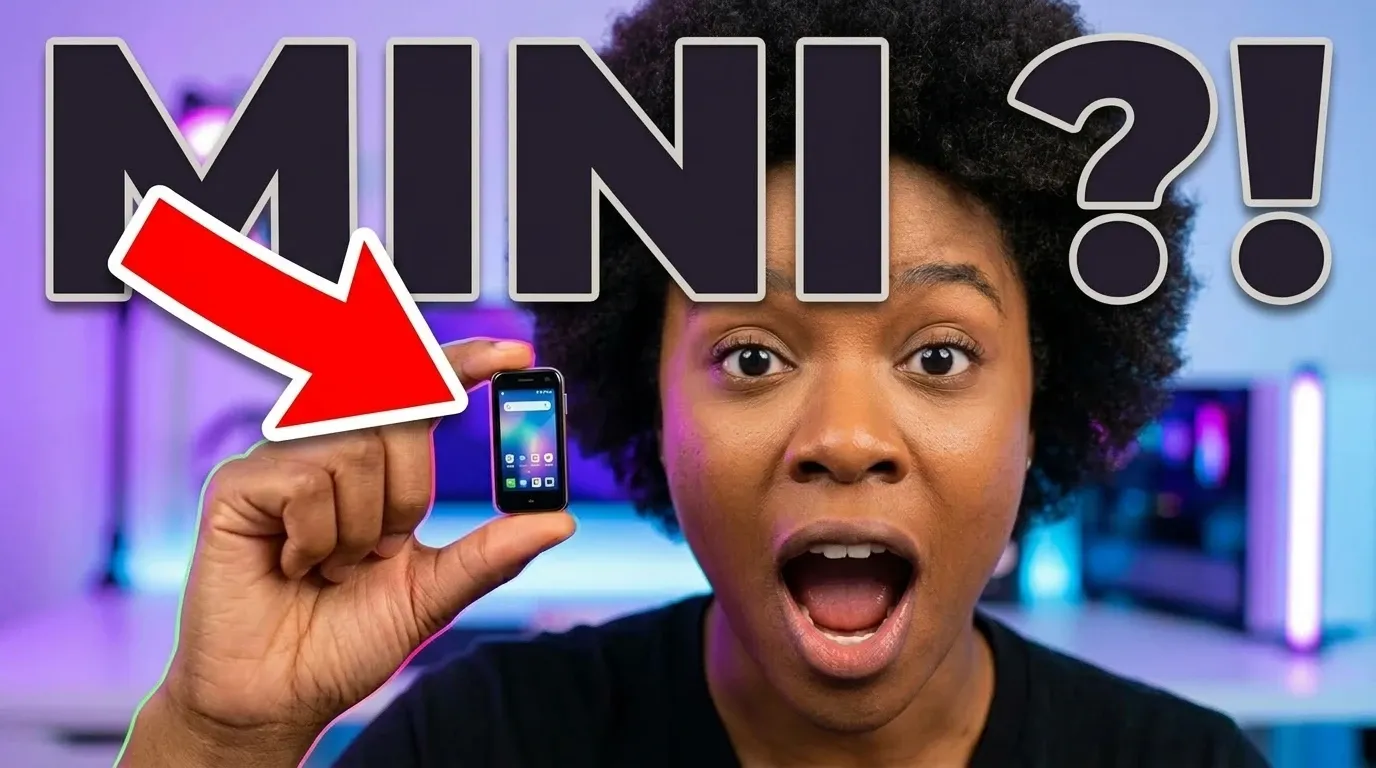
- 2
Edit
“Add a big red arrow pointing at the phone”
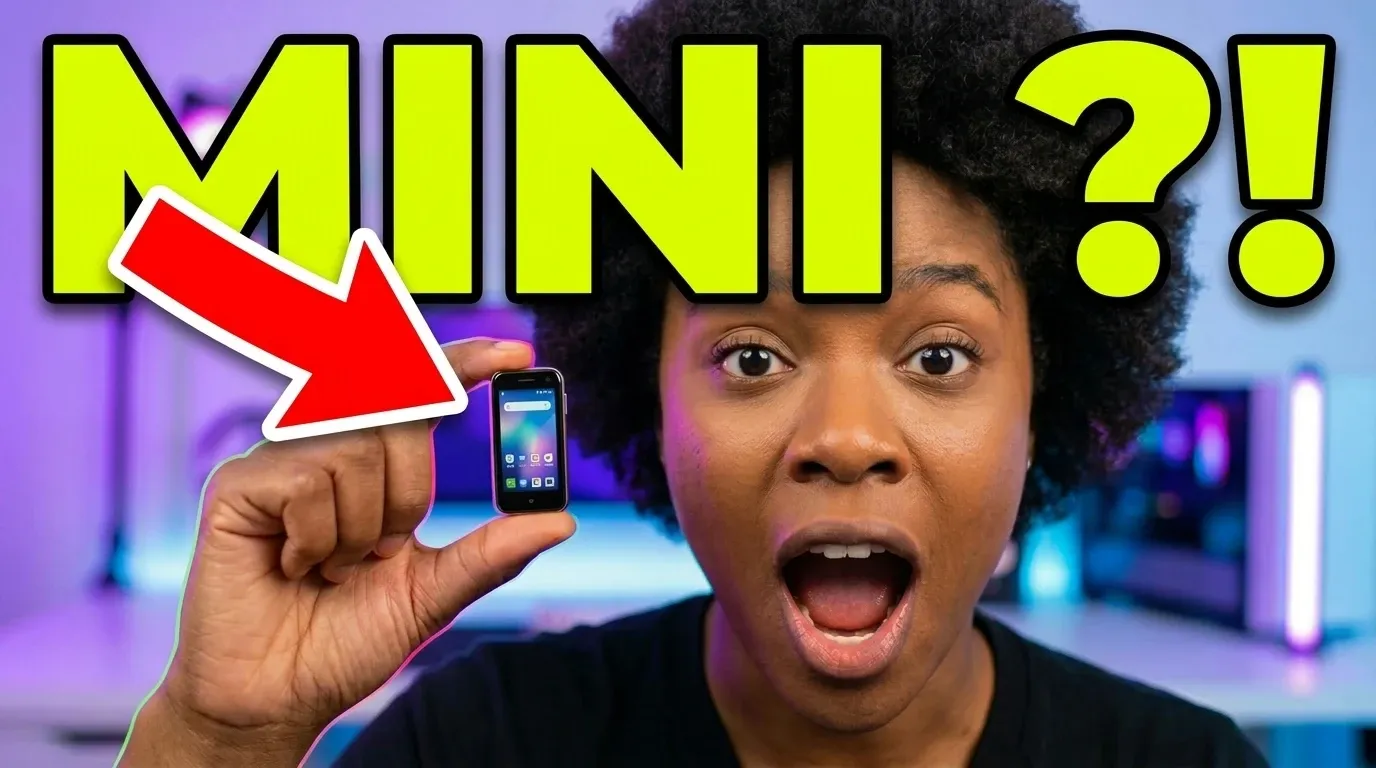
- 3
Edit
“Make the text bright yellow with a black outline”
Area edits
Paint. Describe. Only that area changes.
Something’s off? Brush over it and say what you want. Everything outside the selection is kept pixel-for-pixel — guaranteed, not hoped for.
- Brush and eraser
- Feathered blend with the original
- Every edit becomes a version
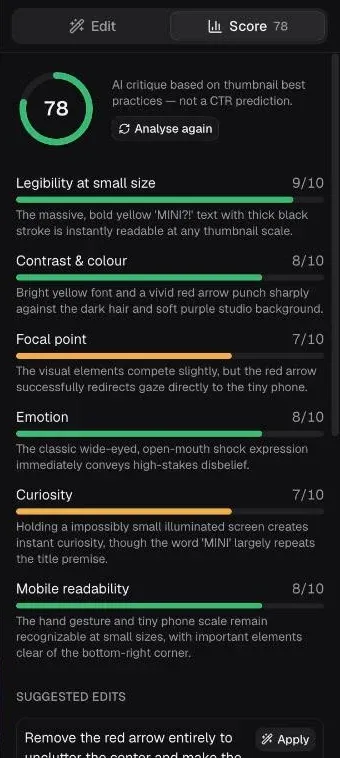
AI score & critique
An expert eye before you publish
Small-size legibility, contrast, focal point, emotion, curiosity, mobile readability: each criterion scored and explained, with suggested edits you apply in one click.
- 6 criteria scored out of 10
- One-click suggested edits
- In English or French
Compare & Test & Compare
Pick the winner, then let YouTube decide
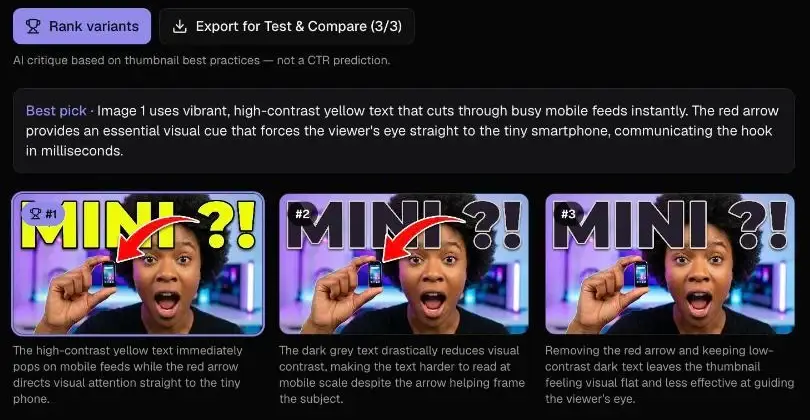
Put your variants side by side, let the AI rank them, then export three in YouTube spec for YouTube Studio’s native A/B test.
- Ranking with reasons
- 1280×720 export, under 2 MB
- Ready for Test & Compare
Feed preview
See it where it will be seen
Home, search, up next, mobile and TV, in light and dark, among the thumbnails of your niche.
10:42Learn Rust in 10 minutes
Code & Coffee · 84K views · 3 days ago
16:20I tested the world’s smallest smartphone
Your channel · 2 hours ago
14:05Air fryer vs oven: which one actually wins?
Smart Kitchen · 1.2M views · 1 month ago
18:31Top 5 electric cars under $30k
Tech Deals Daily · 312K views · 2 weeks ago
27:12I beat the game without dying once
Pixel Arena · 2.4M views · 5 days ago
12:48Investing $100 a month for 20 years
Tiny Budget · 97K views · 1 week ago
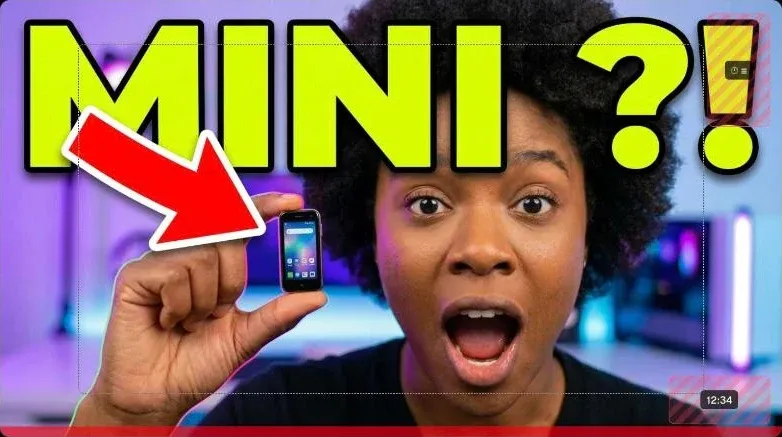
Safe zones
Duration badge, hover icons, progress bar: see what YouTube covers, so nothing important ever hides there.
Built for speed, with everything around it
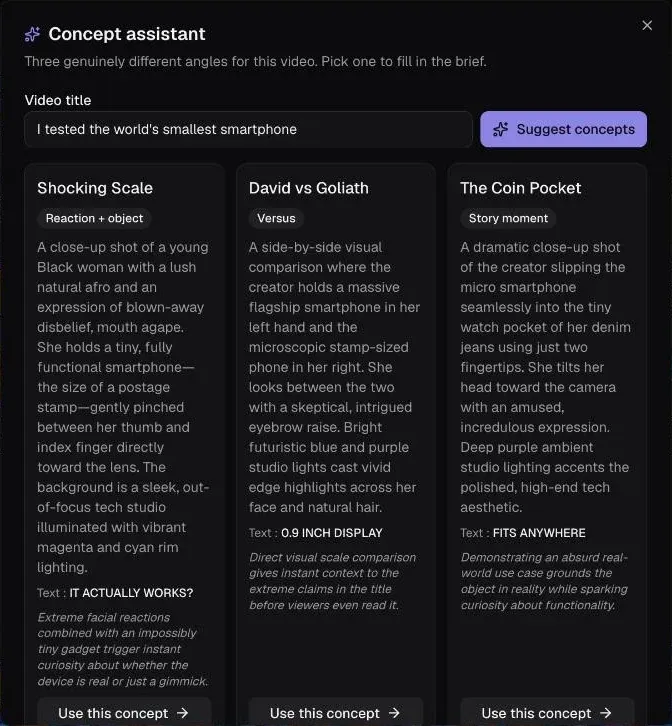
Concept assistant
Give it your title: three genuinely different angles, with brief, text and style, ready to generate.
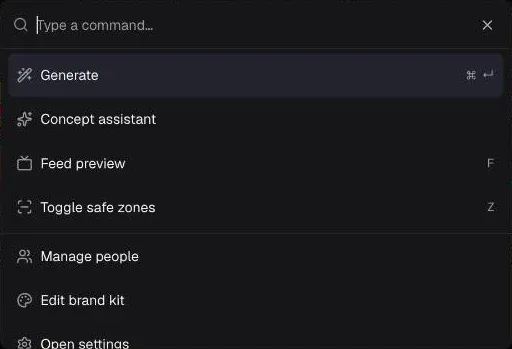
Keyboard-first
⌘K palette, ⌘↵ to generate, F for feed preview, Z for safe zones, M for the mask.
Faithful faces
The same face from one image to the next. Up to 5 people per thumbnail, with their angles and expressions.
Brand kit
Colours, type, logo, and a style profile distilled from your best thumbnails.
Crisp text or clean space
The AI writes the text, or leaves clean space for you to add it.
100% local
Projects, versions and faces stay in your browser. One-click zip backup.
Installable
A real app, even offline to browse your library.
Your key, your rules
Replicate, Gemini or OpenRouter, remembered or just for the session.
New · AI agents (MCP)
Let Claude make your thumbnails.
Connect Claude Code, Claude Desktop, Cursor or any MCP-capable agent: it drives the studio open in your browser, from brief to export, while you watch.
- Brief, generation, area edits, scoring, ranking, export
- Every action shows up live in the studio: you stay in control
- Your keys and images never leave your browser
- A skill teaches it what makes a thumbnail get clicked
Connect your agent
claude mcp add nanothumbnail -- npx -y nanothumbnail-mcpAdd the skill (recommended)
npx skills add yoanbernabeu/NanoThumbnail --skill nanothumbnailThen ask it to “open the NanoThumbnail studio” and click Allow.
❯ Make a thumbnail for my video “Learn Rust in 10 minutes”, with me in it.
- ⏺new_project “Learn Rust in 10 minutes”
- ⏺set_people 1 person
- ⏺generate style tech · nano-banana-2
- ⏺score_thumbnail → 71/100
- ⏺edit_thumbnail “bigger title” · top area
- ⏺export_thumbnail → youtube-thumbnail.jpg
⏺Done: the title reads on a phone and the duration corner is clear. Exported at 1280×720, ready for YouTube Studio.
Get started
Ready in 2 minutes
NanoThumbnail runs on your own API key: you pay the provider directly for images, with no middleman.
- 1
Create an API key
On Google AI Studio (Gemini), Replicate or OpenRouter. A few clicks with your Google or GitHub account.
- 2
Paste it in the studio
It stays in your browser, remembered or just for the session.
- 3
Write a brief, generate
Four variants in about thirty seconds. Edit, compare, export.
About $0.07 to $0.15 per image: 100 thumbnails cost $7 to $15.
By a creator, for creators
Built by someone who publishes on YouTube too
NanoThumbnail is built by Yoan Bernabeu, a developer and the creator of the YoanDev YouTube channel, followed by more than 23,000 subscribers. The project is open source under the MIT license: the code is public, and ideas and contributions are welcome.
Frequently asked questions
YouTube Studio already generates thumbnails. Why NanoThumbnail?
YouTube Studio’s assistant can suggest a thumbnail. NanoThumbnail is a dedicated workshop: sentence-by-sentence edits that keep the face intact, area edits, feed preview with safe zones, a scored critique, 14 styles, your faces and brand kit, and your choice of model. The two work together: your best variants export straight to Test & Compare.
Is it really free?
The studio is free and open source. Generation runs on your Replicate, Google Gemini or OpenRouter account, which you pay directly: a few cents per image depending on model and resolution.
Can an AI agent like Claude use NanoThumbnail?
Yes. Add the MCP server to your agent (claude mcp add nanothumbnail -- npx -y nanothumbnail-mcp): it drives the studio open in your browser — brief, generation, edits, scoring, export — over a local connection. Your keys and images never leave the browser, and every action shows up live.
Is my API key safe?
It’s stored only in your browser (or only for the session). Gemini and OpenRouter are called directly from your browser. Replicate doesn’t allow browser calls, so requests go through a tiny Netlify function that relays them without storing or logging anything — the code is public.
Where are my images?
In your browser (IndexedDB). Nothing is sent to us. Export a backup from Settings, especially before switching devices.
Do I need a credit card?
Yes, with the provider: image generation isn’t part of the Gemini API free tier, so billing must be enabled on your key’s Google project. Replicate also bills per use, OpenRouter uses prepaid credits. Expect about $0.07 to $0.15 per image.
How long does a thumbnail take?
About thirty seconds for four variants with Nano Banana 2 at 1K, a bit longer with Nano Banana Pro or at 4K. An edit takes roughly the same time.
Does it work on mobile?
Yes: the studio works on phones and installs like an app. For painting an area or comparing variants, a bigger screen is still more comfortable.
Nano Banana Pro or Nano Banana 2?
Pro for maximum quality and text rendering. Nano Banana 2 to iterate fast and cheaper. Switch anytime, even mid-edit.
Does the score predict my CTR?
No. It’s a critique based on best practices (legibility, contrast, emotion…). For a real measurement, export your variants to Test & Compare in YouTube Studio.
Can I use the images commercially?
Generally yes, but terms depend on the provider (Replicate, Google, OpenRouter). Check their terms.